Field notes
The difficult work starts after the answer arrives.
AI can create a detailed response in seconds. Understanding its claims, preserving your questions, and deciding what deserves trust still takes a deliberate second read.
-

A tool for annotating ChatGPT, Claude, and Gemini responses
Afterthought gives long AI responses a reading margin: paste from any assistant, attach Thoughts to Sources, and copy one contextual follow-up.
Read article -
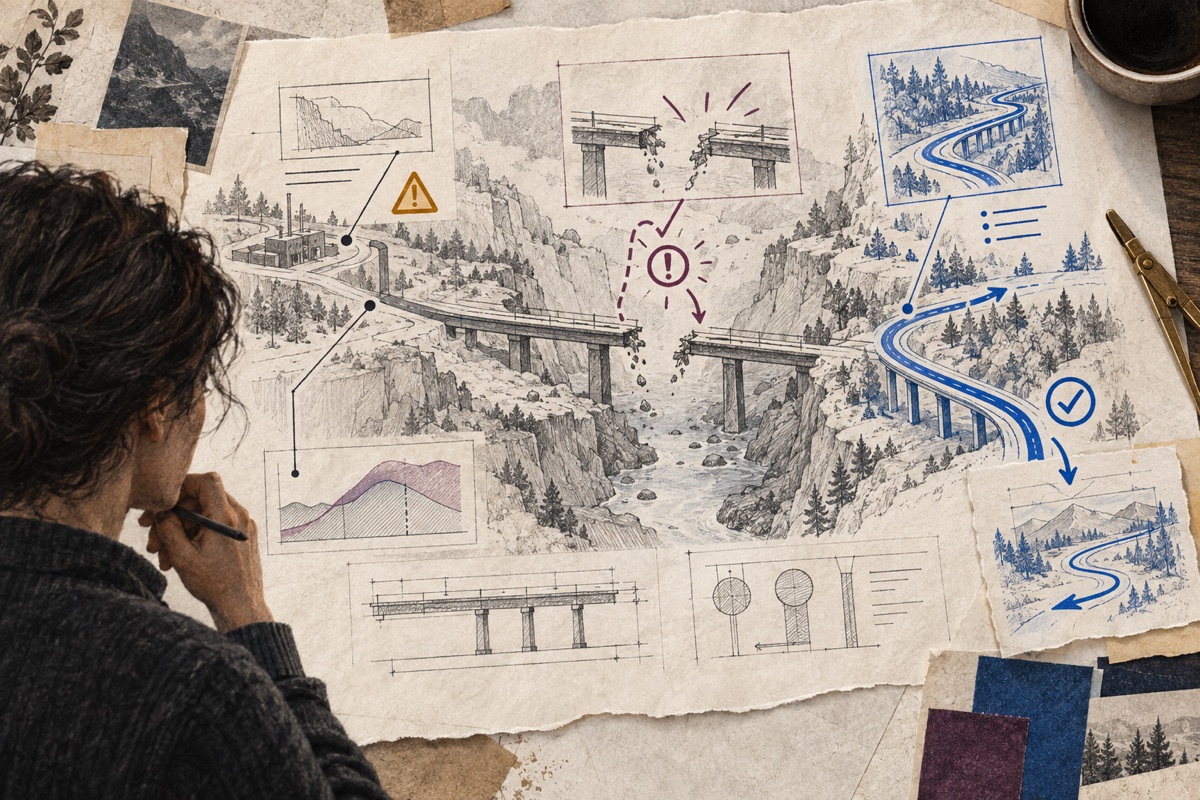
How to review an AI-generated technical plan for risks and assumptions
AI plans often sound complete before they are safe to execute. A Source-by-Source review separates useful direction from unsupported confidence.
Read article -
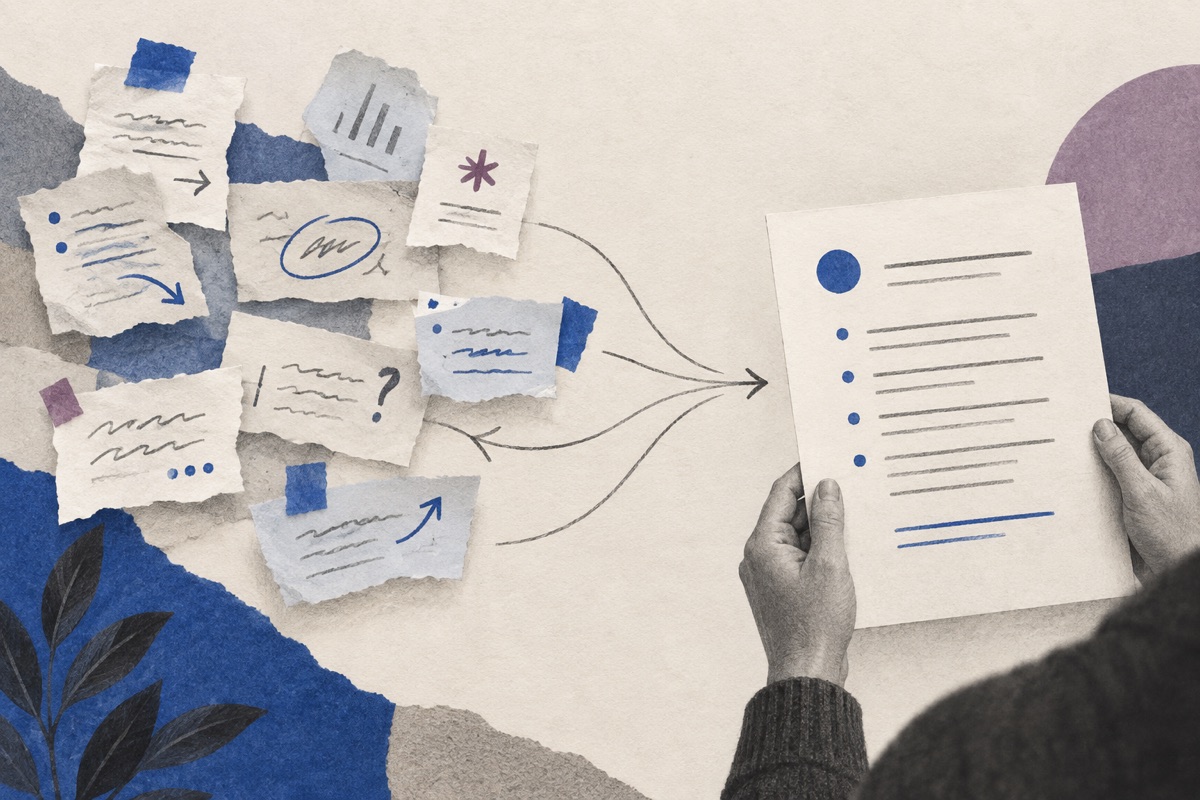
How to turn comments on an AI answer into one follow-up prompt
Your notes become useful when the next AI turn can see what caused each one. A contextual follow-up organizes them without changing your words.
Read article -
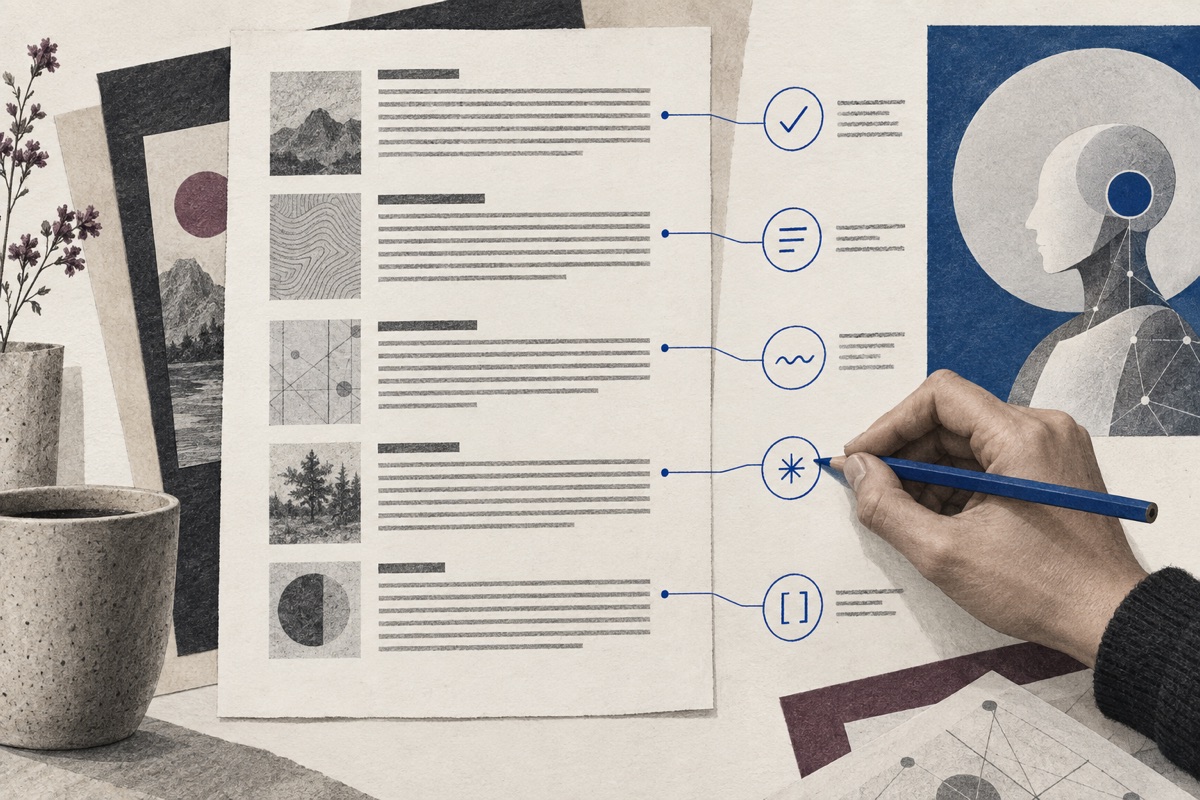
How to give passage-by-passage feedback to an AI assistant
Whole-answer feedback forces the model to guess. Passage-by-passage feedback preserves the connection between each judgment and the Source that earned it.
Read article -

How to digest a long AI response without losing your questions
Long AI responses create a second problem: remembering every question while you are still learning the answer. A structured second read keeps that complexity manageable.
Read article -

How to annotate a ChatGPT response before replying
A fast answer still creates reading work. Annotating before you reply keeps useful ideas, doubts, and questions attached to the passages that caused them.
Read article
Worked examples
See what a better second read looks like.
Each example starts with one concrete AI recommendation and ends with the exact contextual prompt you can send back.
-
01
Read example
Review a technical response
Keep implementation questions beside the exact claim that caused them, then return one ordered follow-up.
-
02
Read example
Annotate a risky migration plan
Separate what is useful from what needs a rollback plan before an AI recommendation becomes implementation work.
-
03
Read example
Challenge a premature solution
Turn “I am not convinced” into a follow-up that asks for evidence, boundaries, and a measurable decision.